If you have a PC, you're a target. You need security software.
That's as true today as it was a decade ago, despite significant security improvements to Windows over the years. But you have a choice: You can continue paying a security software vendor an annual fee for protection or take matters into your own hands. If you choose the latter you'll need to put together a custom security suite using various free products.
The pros and cons of free AV
Going free can save you some cash, but it isn't a perfect solution for everyone. When you buy a paid antivirus product you usually get some form of customer support with it. Free products, on the other hand, often mean you're on your own for solving problems. Going free also means stitching together a combination of utilities. That takes a little trial and error to find the best tools for your needs. Premium suites, by comparison, offer seamless, relatively pain-free security solutions.
Another downside is that free products can include browser toolbars, extensions, or other desktop programs that you might not want. Freebies can also have ads that help their makers pay the bills. Be mindful while you're installing free programs to avoid also installing bloatware you don't want, which is often flagged for installation by default.
Best free AV software: Our picks
Antivirus software is the key component of any security suite, and for good reason—it's going to be your primary defense against malware. Windows offers its own built-in anti-virus program called Windows Defender for Windows 8.1 and up—Windows 7 users can download and install Security Essentials. Windows' solution offers fairly good basic security, but most third-party testing firms find that it falls short of third-party security suites. The upshot is: If you're a security-aware user who's willing to occasionally run a scan with Malwarebytes (see below) then Defender may be enough.
If you aren't willing to do that, however, then a third-party option is probably better, and when it comes to free antivirus apps you have some really good options.
 Ian Paul/IDG
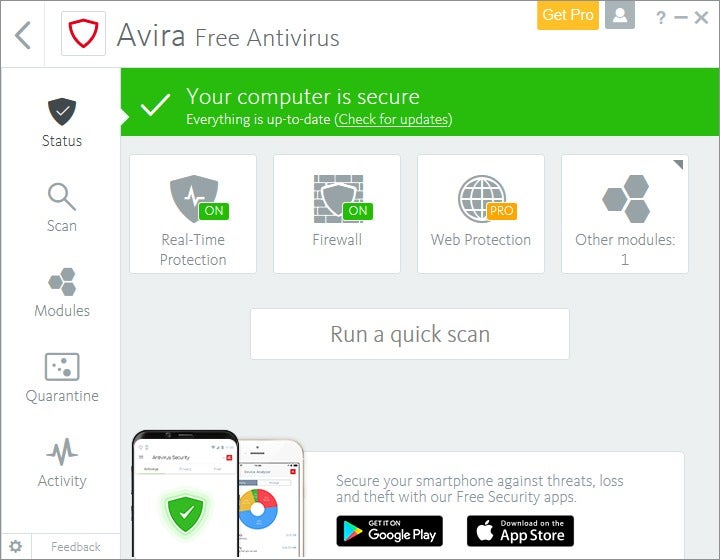
Independent tester AV-Test gives Avira Antivirus top marks, so you can feel assured about the integrity of its free product.
Avira Antivirus Free Edition and Bitdefender Antivirus Free Edition are two free products worth your attention. According to recent benchmarks published by the German antivirus testing firm AV-Test, paid products for both Avira and Bitdefender won top marks on all three of the firm's major testing categories including protection, performance, and usability; both did a perfect or near-perfect job at stopping malware and other threats. Avira did score one false positive from AV-Test when it identified legitimate software as malware during a system scan.
If Avira and Bitdefender don't appeal there are other popular choices such as Avast Free and Panda Free Antivirus.
No matter which antivirus app you choose, make sure you pick one that does a good job at catching so-called "zero-day" attacks. Antivirus programs that can stop zero-day attacks are going to be more effective at stopping brand-new malware, which is very important given how quickly malware can evolve.
Use a secondary antivirus app
Even the best traditional antivirus software can have a hard time removing stubborn, deeply embedded malware. With that in mind, it's good to have a secondary antivirus app at your disposal.
 Ian Paul/IDG
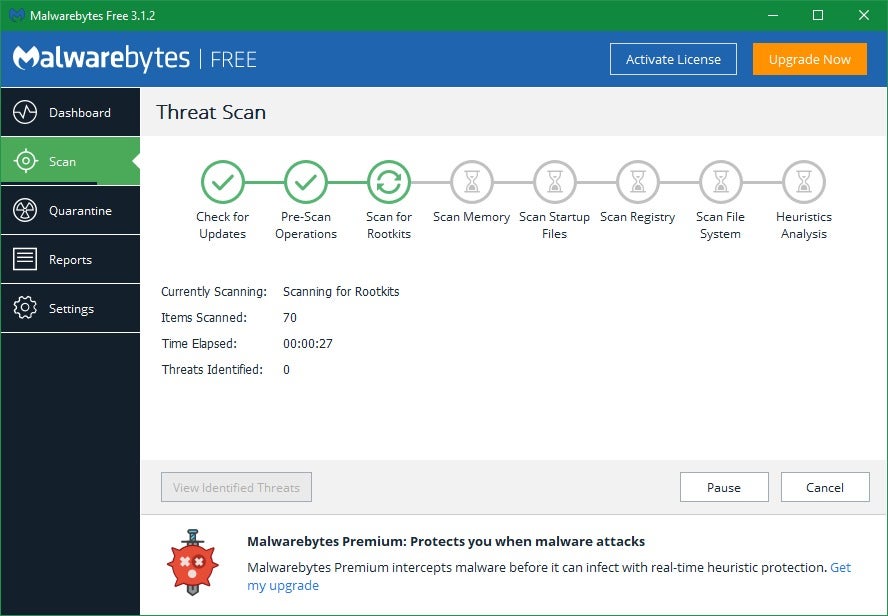
Malwarebytes can remove rootkits and other baddies that other antivirus products won't touch. Best of all, you can run it alongside your traditional antivirus.
Malwarebytes Anti-Malware Free can provide an extra layer of security against internet baddies. It is not for use as your primary antivirus since the free version doesn't offer real-time protection. You can use it alongside most other antivirus programs as a tool for infrequent, secondary manual scans, and it's earned its stellar reputation by offering above-average protection against cutting-edge zero-day attacks. In other words, it can sometimes catch infections that other antivirus software might miss.
Another utility worth downloading is Norton Power Eraser: This free tool targets so-called scareware—those annoying bits of malware that try to get you to buy phony antivirus programs—that traditional antivirus software may miss. Symantec warns that Norton Power Eraser is an aggressive scanner that may occasionally flag a legitimate program as malware, so you'll want to use it as a last resort, but it's a good weapon to have in your PC security arsenal.
Use a firewall
Windows comes with a built-in firewall that's turned on by default. It's a good basic option that sits quietly in the background until it detects a suspicious connection attempt, and it's as low-maintenance as low-maintenance can be.
 Ian Paul/IDG
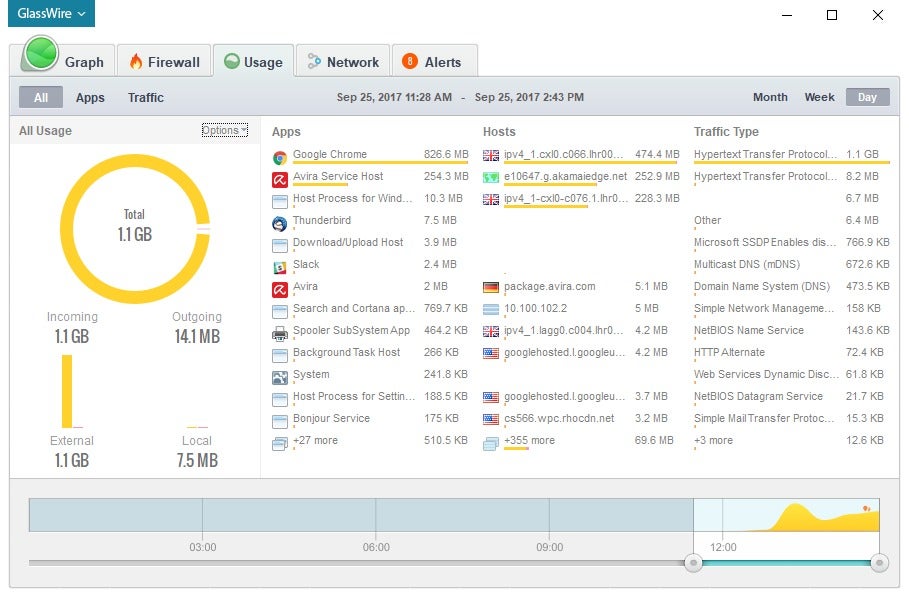
GlassWire serves the dual purpose of being both a firewall and a wealth of system information.
Still, one additional piece of software worth installing is the firewall GlassWire. This program blocks outgoing connections if you explicitly mark them as disallowed (say you install a new program that you're a little leery of, preventing its ability to make outgoing connections could ease your concern). That's more than Windows Firewall does since Microsoft's basic solution doesn't block outgoing connections at all—though there's debate over whether that's truly necessary.
GlassWire's biggest advantage is that it's chock-full of information. By default, it will show an alert in the lower-right corner of your desktop every time an application initiates an internet connection. You'll also see an alert when a program is updated—useful if you're not expecting an automatic update. That sounds intrusive, but GlassWire doesn't use Action Center notifications and they appear less frequently than you'd think.
Open the application and you'll see even more information including a real-time graph of your PC's internet traffic, and a chart showing which apps are using the most bandwidth.
Next page: Browser security enhancements, parental control software, automatic software updating tools, and laptop protection.

Không có nhận xét nào:
Đăng nhận xét